It cannot verify your rights
The tool cannot determine whether you own a model, texture, or character design, or whether a license permits processing and reuse.
Workaround
Keep license records and use only assets you are authorized to handle.
Trust check
Is accurig safe depends on how you use it, what files you provide, and how carefully you review the result. This guide separates practical safety checks from assumptions so you can evaluate the workflow before relying on it.
Use these focused guides to understand the tool, connect it to Blender, or follow a structured setup path.
A safer evaluation comes from keeping each stage visible instead of treating an automatic rig as a finished production asset.
Start with a model you own or are permitted to use. Check scale, pose, mesh quality, and naming before sending or processing anything.
Use the guide-placement stage to identify joints and body landmarks. Look for misplaced joints, unusual proportions, clothing intersections, and areas that need manual correction.
Export the result, open it in your target 3D application, and test simple poses. Keep the original mesh and compare deformation before using the rig in animation or delivery.
These facts describe the site and workflow context, not a guarantee about every file, device, or third-party service.
Automation can reduce repetitive setup, while manual review remains essential for quality, permissions, and production decisions.
Initial rig setup
AccuRIG workflow
Automates much of the first-pass character rigging
Manual review
Builds joints and controls by hand
Input responsibility
AccuRIG workflow
You choose the model and confirm that you can use it
Manual review
You choose the model and confirm that you can use it
Joint placement
AccuRIG workflow
Guide placement helps define the intended anatomy
Manual review
Every joint is positioned directly by the artist
Quality control
AccuRIG workflow
Requires pose tests and inspection after generation
Manual review
Requires pose tests and inspection after construction
Unusual characters
AccuRIG workflow
May need corrections for stylized or non-human forms
Manual review
Can be tailored directly to unusual proportions
Export confidence
AccuRIG workflow
Depends on checking the exported asset in the target application
Manual review
Depends on checking the manually built asset in the target application
Best use
AccuRIG workflow
A fast starting point for a reviewable character pipeline
Manual review
A controlled option when custom behavior is the priority
A safe workflow includes knowing what the tool cannot decide for you. Treat these edges as checkpoints, not reasons to skip review.
The tool cannot determine whether you own a model, texture, or character design, or whether a license permits processing and reuse.
Workaround
Keep license records and use only assets you are authorized to handle.
Automatic results can need correction, especially with extreme proportions, layered clothing, hidden limbs, creatures, or heavily stylized meshes.
Workaround
Inspect joints, weight behavior, and several test poses before production.
A result that looks acceptable at export may still behave differently in Blender or another target application.
Workaround
Open the exported file in the application you will actually use and test the intended animation range.
Local permissions, downloaded files, browser settings, and third-party software remain part of your own security environment.
Workaround
Use current software, review file types, scan downloads when appropriate, and avoid opening assets from unknown sources.
A visual comparison is useful only when it leads to hands-on testing. Treat the images as a review prompt rather than proof that every character will deform correctly.
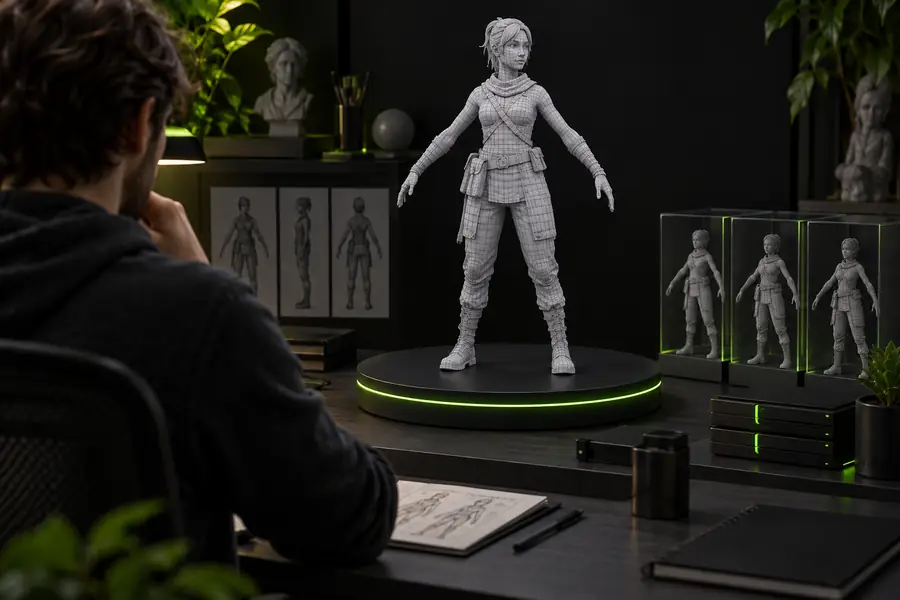 Before review
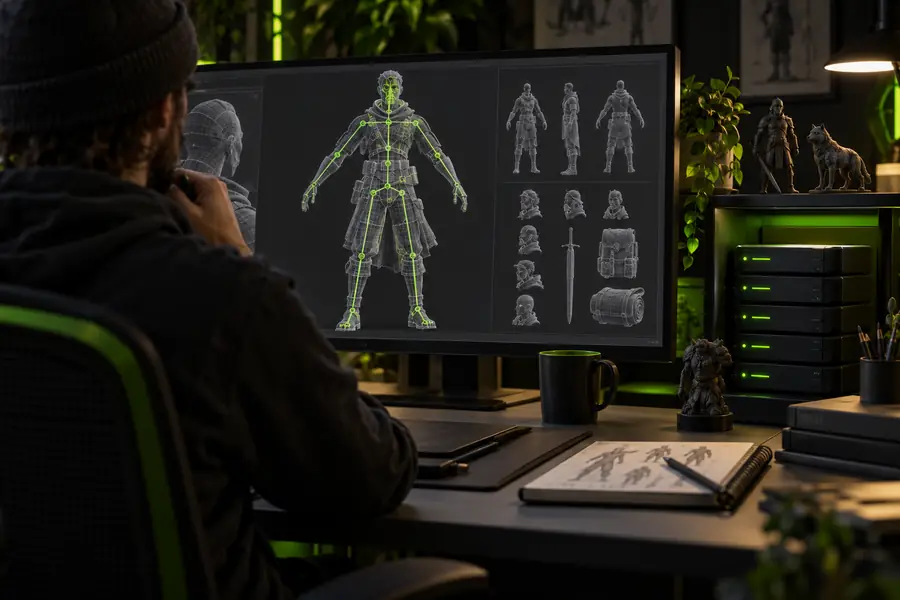 After first pass
Clear answers to the practical question behind is accurig safe.
It can be a reasonable option when you use assets you are allowed to process and review the output yourself. Safety also depends on your device, browser, file sources, and the policies of any service involved, so do not treat automatic rigging as a substitute for normal security checks.
No. A generated rig is a starting point that still needs inspection in the application where it will be animated. Test joint placement, weights, clothing intersections, and representative poses before calling the asset ready.
No, not from a rights or privacy perspective. Only process models, textures, and related files that you own or are licensed to use, and avoid confidential assets unless the applicable terms and your organization allow that handling.
It may produce a useful first pass, but unusual proportions and non-human anatomy can require more correction. Check the guide placement and deformation closely, then adjust or rebuild parts of the rig when the result does not match the character.
Keep an untouched copy of the source model, export to a test location, and open the result in your target 3D application. Try simple movements first, inspect the mesh for unexpected deformation, and retain the source and export separately until the result is approved.