Rigging route guide

Find the best accurig alternative for your workflow

The best accurig alternative depends on the character, target software, and amount of cleanup you can accept. Use this comparison to separate useful automation from features that still require hands-on rigging.

What matters most

Three mechanisms that shape the result

An alternative is only useful when it improves a specific part of the rigging process. These three mechanisms explain where workflows tend to differ.

  1. 1

    Landmark detection

    Automatic systems estimate joints and body landmarks from your mesh. Good detection reduces setup time, but unusual proportions, layered clothing, tails, wings, and non-humanoid anatomy can still need manual correction.

  2. 2

    Skeleton fitting

    The skeleton must sit inside the model with sensible joint orientation and spacing. A strong workflow gives you ways to reposition markers, inspect the result, and correct the bind before animation exposes a problem.

  3. 3

    Export and cleanup

    A usable rig is more than a skeleton. Naming, hierarchy, skin weights, deformation quality, and file compatibility determine whether the result travels cleanly into Blender or another production tool.

Continue comparing

Related rigging paths

These nearby guides cover the most common decisions after you review an alternative workflow.

Visual checkpoint

From an unrigged mesh to an animation-ready base

The comparison is not about making every character perfect automatically. It is about turning a prepared model into a usable starting point with fewer repetitive setup steps.

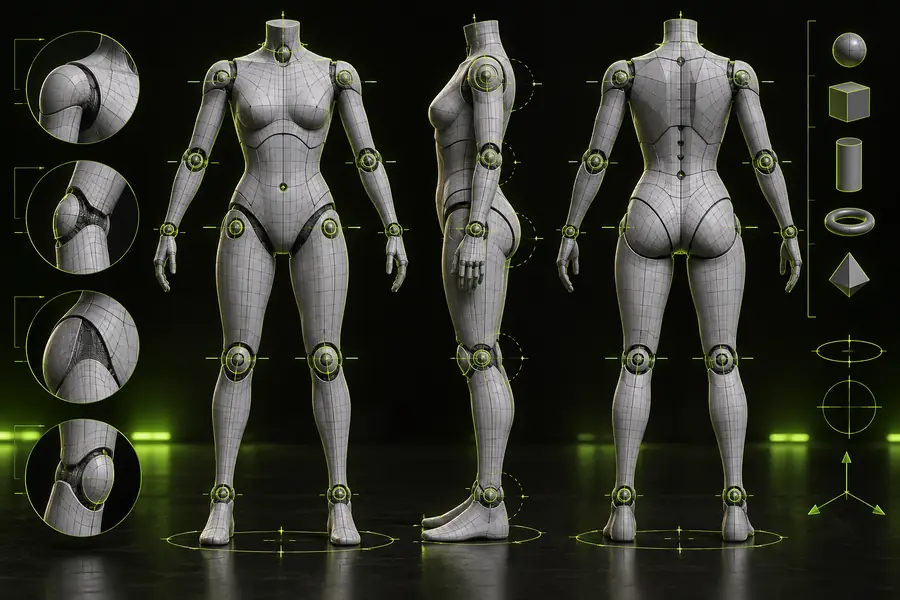
Character mesh before rigging and deformation setup Before: prepared mesh
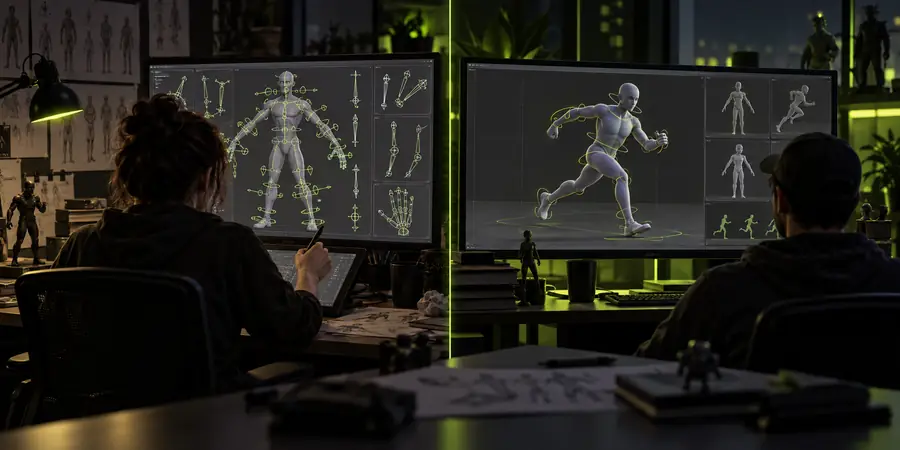
Character shown in a rigging workspace after skeleton and deformation preparation After: rigging base
The after state still deserves inspection. Check joint placement, shoulder behavior, hips, hands, feet, and any clothing that may intersect during motion.

Set expectations

Limits and edges to plan around

No automated alternative removes every technical decision. Knowing the boundaries early helps you choose the right route and budget time for corrections instead of treating surprises as failures.

Non-humanoid anatomy is not a one-click case

A standard biped workflow is usually strongest on characters with recognizable human landmarks. Creatures with extra limbs, tails, very short torsos, or radically placed joints may produce an incomplete or awkward skeleton.

Workaround

Use the automatic result as a starting point, then place or adjust secondary joints manually. For production creatures, validate the hierarchy before painting final weights.

Mesh preparation still affects accuracy

Loose parts, hidden geometry, extreme poses, dense accessories, and unapplied transforms can make landmark detection and skin weighting less reliable. An alternative cannot infer clean intent from a badly prepared asset.

Workaround

Apply transforms, use a neutral pose where possible, check normals, and separate or simplify distracting accessories before sending the mesh through the workflow.

Automatic weights can need repair

Shoulders, elbows, wrists, hips, knees, fingers, and areas beneath clothing are common trouble spots. A rig may technically work while still producing pinching, collapsing volume, or unwanted influence during a broad pose.

Workaround

Run a short deformation test early. Use weight painting, influence cleanup, corrective shapes, or a revised bind before building a long animation on top of the result.

Export compatibility is not universal

A rig that opens correctly in one application may need naming, axis, unit, or hierarchy adjustments elsewhere. Animation transfer can also expose differences in rest pose, bone orientation, and controller conventions.

Workaround

Choose the destination software before export, keep a clean source file, and test a small motion clip in the target application. Blender users should inspect armature settings and action data immediately after import.

Decision table

Side-by-side rigging comparison

Use this table to decide whether the familiar AccuRIG route or a more hands-on alternative better matches the asset and the next production step.

AccuRIG
Alternative workflow

Initial setup

AccuRIG

Designed to reduce repetitive humanoid rigging setup with guided placement and automated processing.

Alternative workflow

May begin with manual bone creation, marker placement, or a different automated system.

Best fit

AccuRIG

Prepared humanoid characters that need a practical rigging starting point.

Alternative workflow

Projects needing unusual anatomy, custom hierarchy decisions, or tighter control over every rigging stage.

Manual control

AccuRIG

Guided controls and corrections are available, but the workflow remains structured around automated rig generation.

Alternative workflow

Often offers more direct control, although that control can add setup time and technical responsibility.

Deformation review

AccuRIG

The generated result should still be tested at shoulders, hips, knees, hands, and other high-motion areas.

Alternative workflow

Manual workflows make it easier to decide the deformation strategy early, but they do not guarantee better weights without careful work.

Blender handoff

AccuRIG

Can serve as a starting point for a Blender cleanup and animation workflow when export settings are checked.

Alternative workflow

May be built directly for Blender, but compatibility depends on the specific tool, file format, armature conventions, and version.

Nonstandard characters

AccuRIG

Less predictable when landmarks do not resemble a conventional biped or when the mesh has complex layered parts.

Alternative workflow

A better fit when the artist needs custom bones for tails, wings, mechanical sections, facial controls, or stylized proportions.

Time trade-off

AccuRIG

Usually saves time during the first pass, especially when the mesh is clean and the target is familiar.

Alternative workflow

Can take longer to establish, but the extra effort may pay off when the default assumptions do not match the project.

Who should choose it

AccuRIG

Artists who want an efficient, repeatable base before animation and are comfortable validating the result.

Alternative workflow

Artists who prioritize bespoke control, already know the destination pipeline, or need a rig beyond a standard biped.

Common questions

Questions about an alternative to AccuRIG

The right choice depends less on a universal winner and more on the model, destination software, and level of control your project requires.

There is no single best option for every character. A practical alternative is one that supports your anatomy, destination software, export format, and preferred balance between automation and manual control. For a clean humanoid, AccuRIG may remain an efficient starting point; for unusual anatomy or a custom hierarchy, a hands-on Blender or specialist workflow may fit better.

Free options can include manual rigging in Blender, community tools, or limited versions of other auto-rigging services. Their capabilities and licenses vary, so check whether they support the file format, bone structure, and commercial or personal use required by your project. Free does not always mean quicker, especially when weight cleanup and export troubleshooting are part of the job.

Yes, several routes can produce an armature that is usable in Blender, either through direct integration or an exported file. The important checks are rest pose, bone orientation, naming, unit scale, skin weights, and whether animation actions import as expected. Test the workflow with a small character and a short motion before committing a full production asset.

Sometimes, but only when it gives you meaningful control over custom joints and hierarchy. Automated biped systems often make assumptions about hips, spine, arms, and legs, which can break down on creatures, robots, multi-legged models, or heavily stylized bodies. A manual or hybrid approach may be better because you can define the structure yourself, though you will spend more time on setup and deformation testing.

Start with the asset rather than the tool name. If the model is a clean humanoid and you want a fast first rig, AccuRIG can be a sensible route; if the project needs custom controls, unusual anatomy, or a specific application pipeline, compare the alternative against those requirements. Make the decision after testing one representative pose, one export, and one short animation cycle.

Start rigging
Start rigging