“
Not only does AccuRIG save time and frustration, it lets you focus on your model instead of repetitive rigging steps.
Turn a 3D character into an animation-ready rig with automation, flexible joint refinement, and production-ready motion retargeting.
Rig a 3D character in five simple steps.
AccuRIG helps artists, game developers, and studios streamline 3D production workflows with an approachable rigging process for characters in A-pose and T-pose. Explore AccuRIG
AccuRIG combines automation with user-friendly controls so you can focus on model design while achieving superior rigging in five simple steps. It works with low-to-high density models, multiple meshes, and both A and T poses, with direct export to major 3D platforms. Upload a character to continue with production-ready animation for games, films, archviz, digital twinning, and more.
AccuRIG can discern different arm positions and adjust joint angles, making it highly optimized for A-poses and scanned 3D people. Save valuable time and resources by reducing repetitive manual rigging procedures.
Highlight conceptual models and digital sculptures crafted with ZBrush or Blender by transforming static sculpts into animation-ready characters. Automatic rigging and manual joint refinement keep the rest of the production workflow moving.
Hundreds of free-to-use characters are available through online marketplaces such as Sketchfab. Content developers can extend their workflow with AccuRIG, turning these models into rigged actors ready to perform.
By manually defining joints, rigging can be customized to match models with different characteristics and preserve distinct body shapes. Skin weighting is optimized for limbs, including shoulders, elbows, knees, and individual finger bones. Online manual
Arm and collar bones can be adjusted to emphasize different shoulder types — from broad to narrow, raised to sloped, all forms are possible.
Adjustable arm and collar positioning helps align shoulders for proper form and accentuate the shoulder line before animation begins.
Effectively address posture issues, including the appropriate positioning of arms and legs, when applying animation data to characters of diverse body sizes. Pose offsets can enhance stylized performances, especially for cartoon figures, while keeping custom animation updates easy to manage.
Body parts such as the neck, shoulder, and spine can be realigned to correct skewed and unnatural movements. Fine-tune joint angles and rotations so poses and movement unfold naturally.
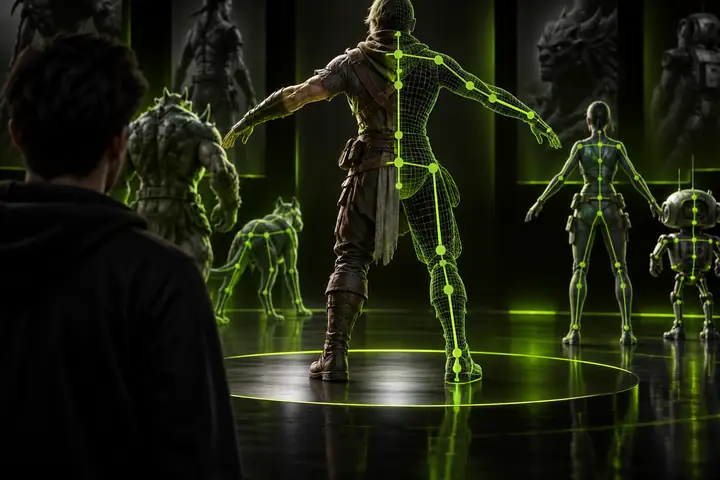
Preserve complex forms while refining a character for animation.
Maintain hard surfaces, adjust skin weights, and customize bone structures.
Compare free AccuRIG with advanced AccuRIG
AccuRIG technology automates humanoid rigging while advanced workflows add manual editing for intricate multi-mesh structures, skin weights, hard-surface items, and more complex skeletal requirements.
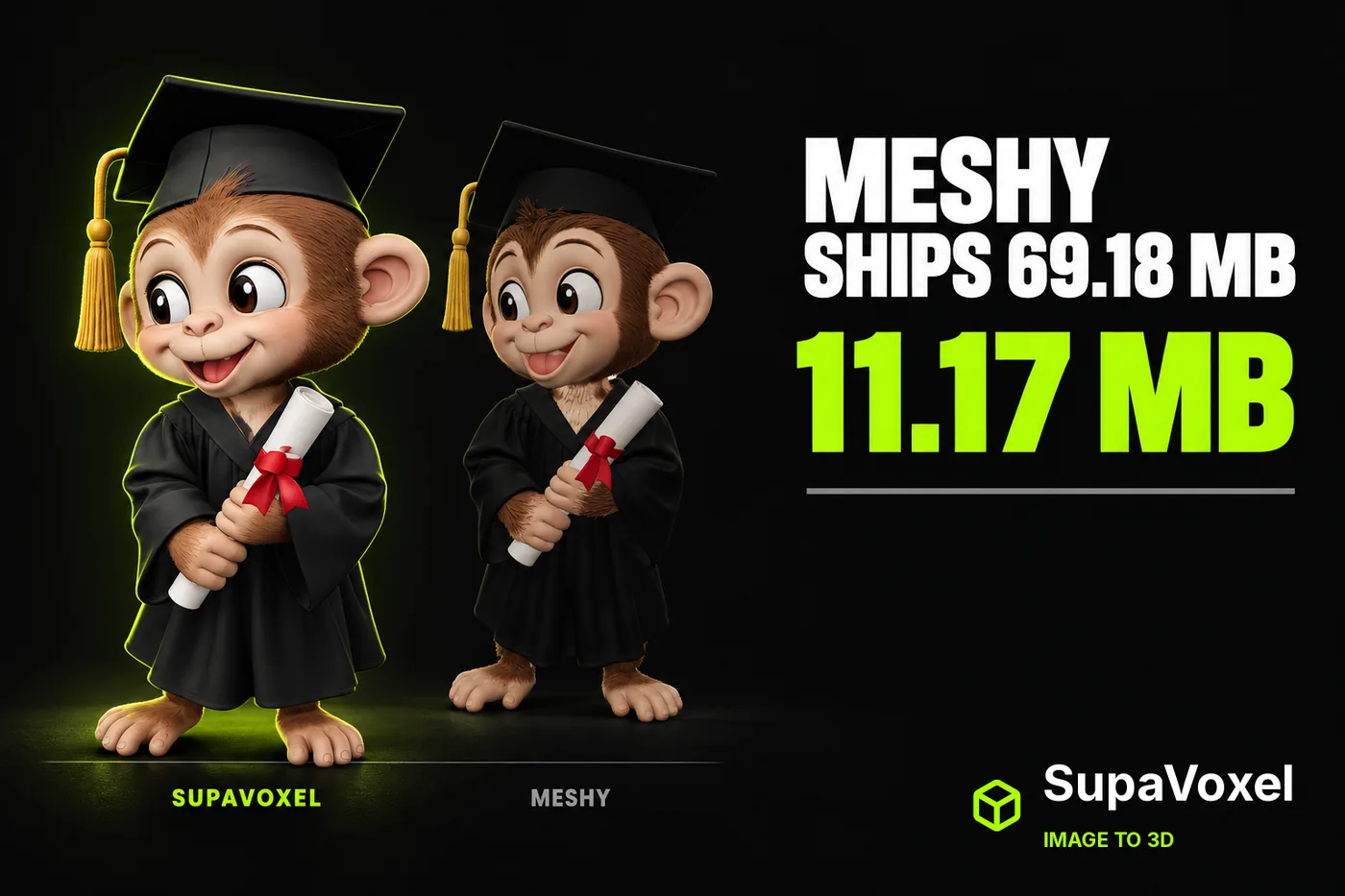 Accurig: Meshy AI 3D Generator Review vs SupaVoxel (2026)Oct 20, 2026
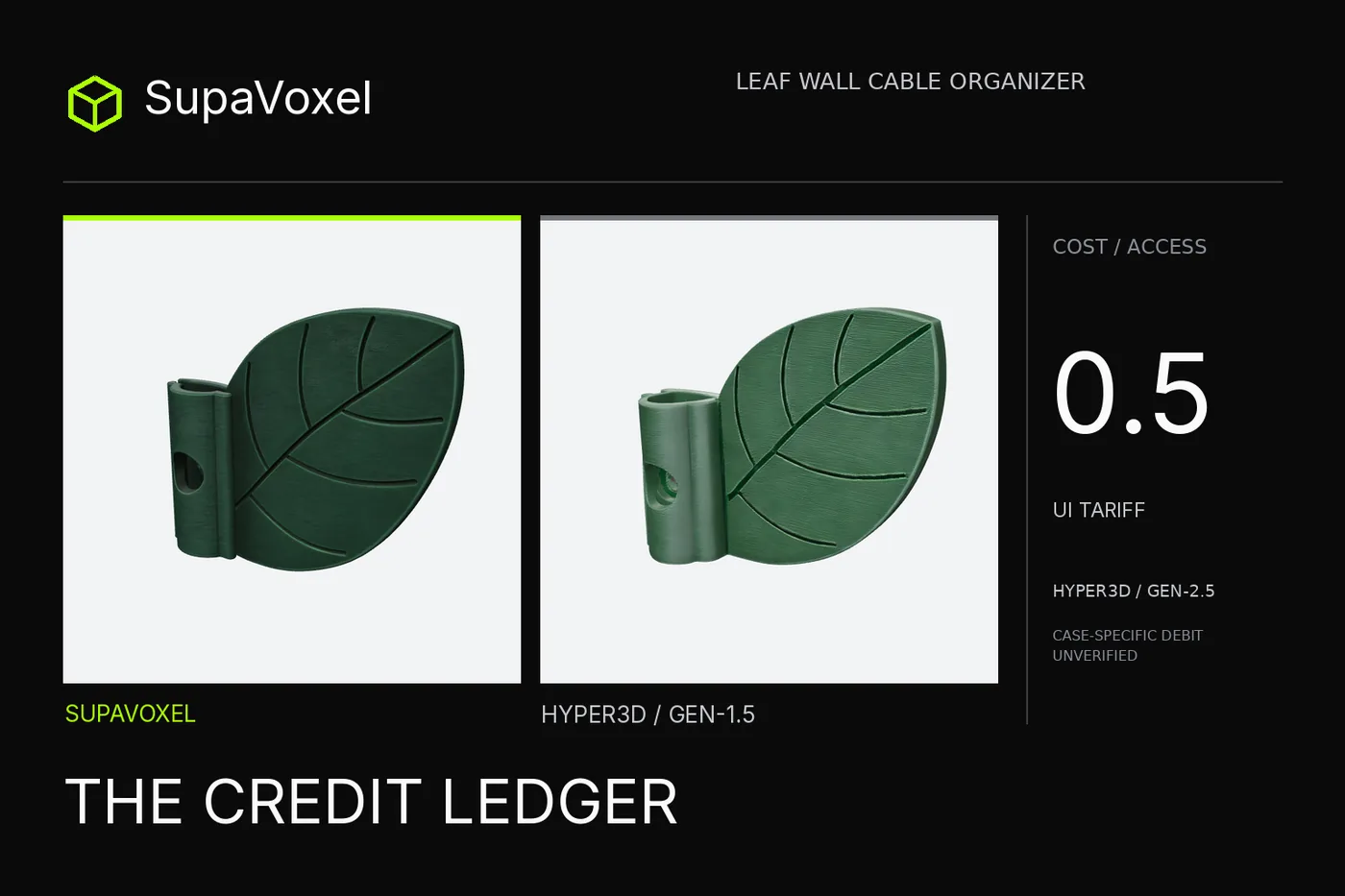 Accurig: Hyper3D Credits Review 2026—0.5 UI Price, Then a Download WallOct 18, 2026
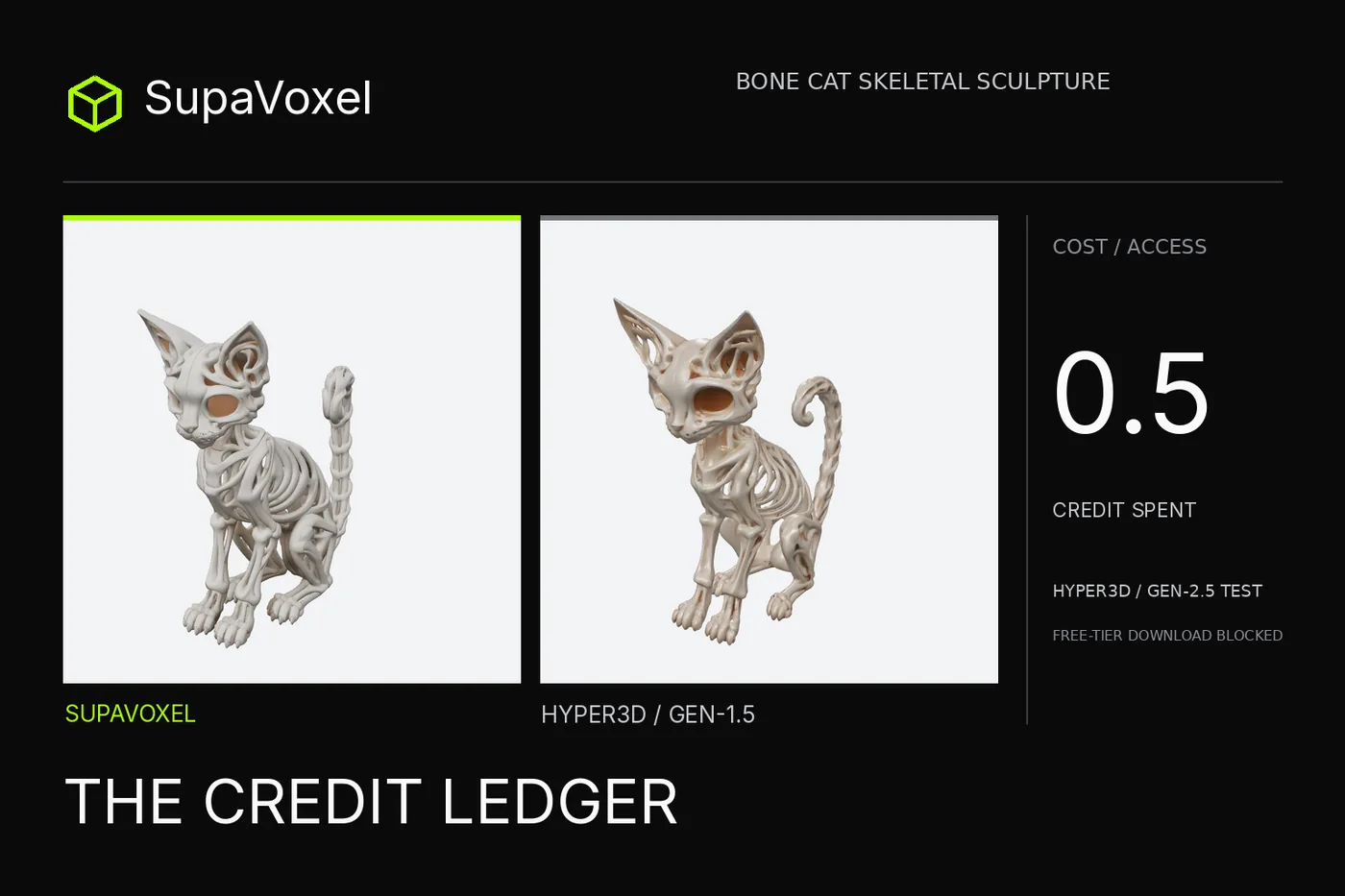 Accurig: Hyper3D Rodin Credits Review 2026: 0.5 Credits, Then a PaywallOct 15, 2026
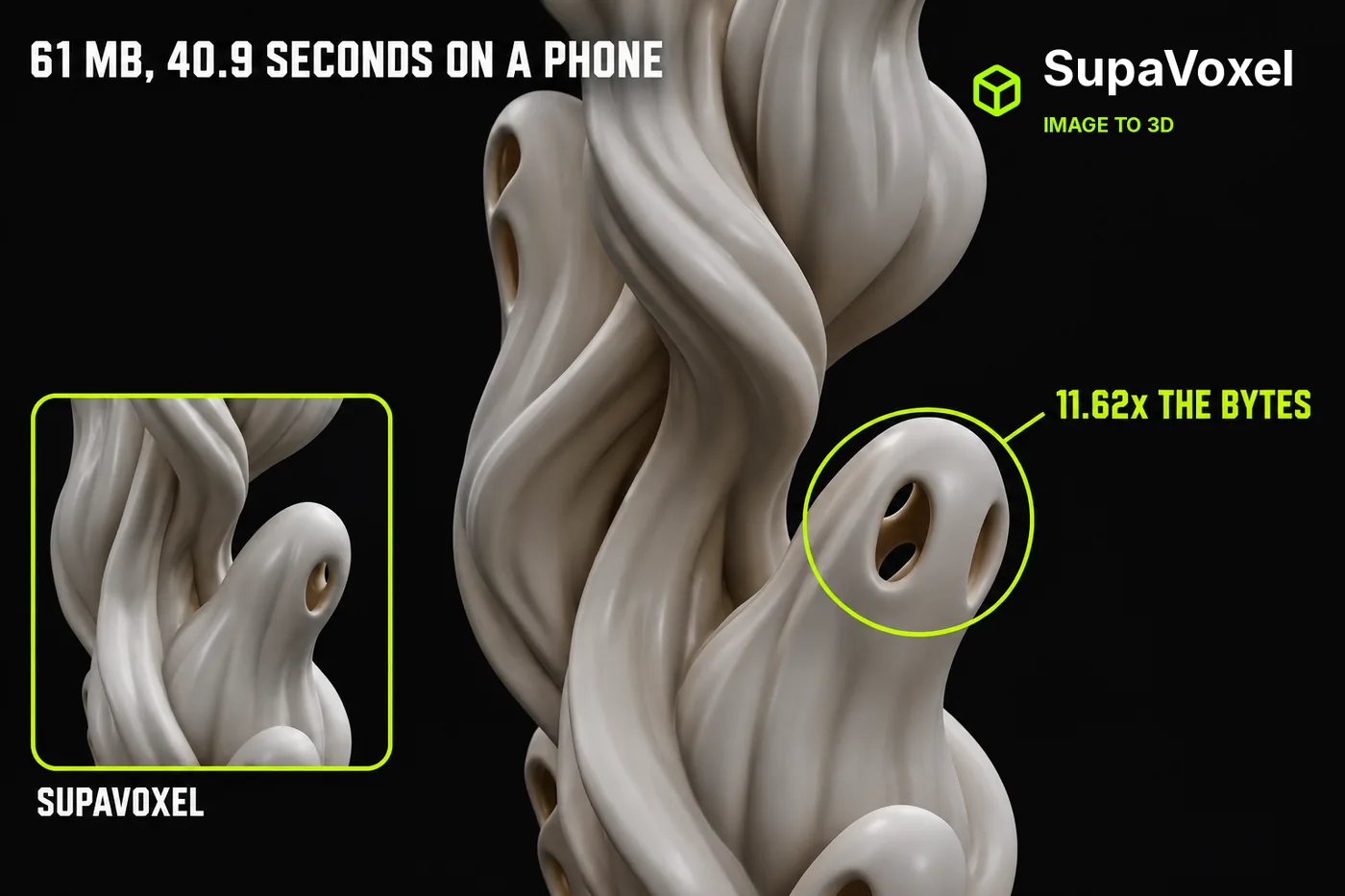 Accurig Tripo GLB Review 2026: 61 MB and 4096² MapsOct 14, 2026
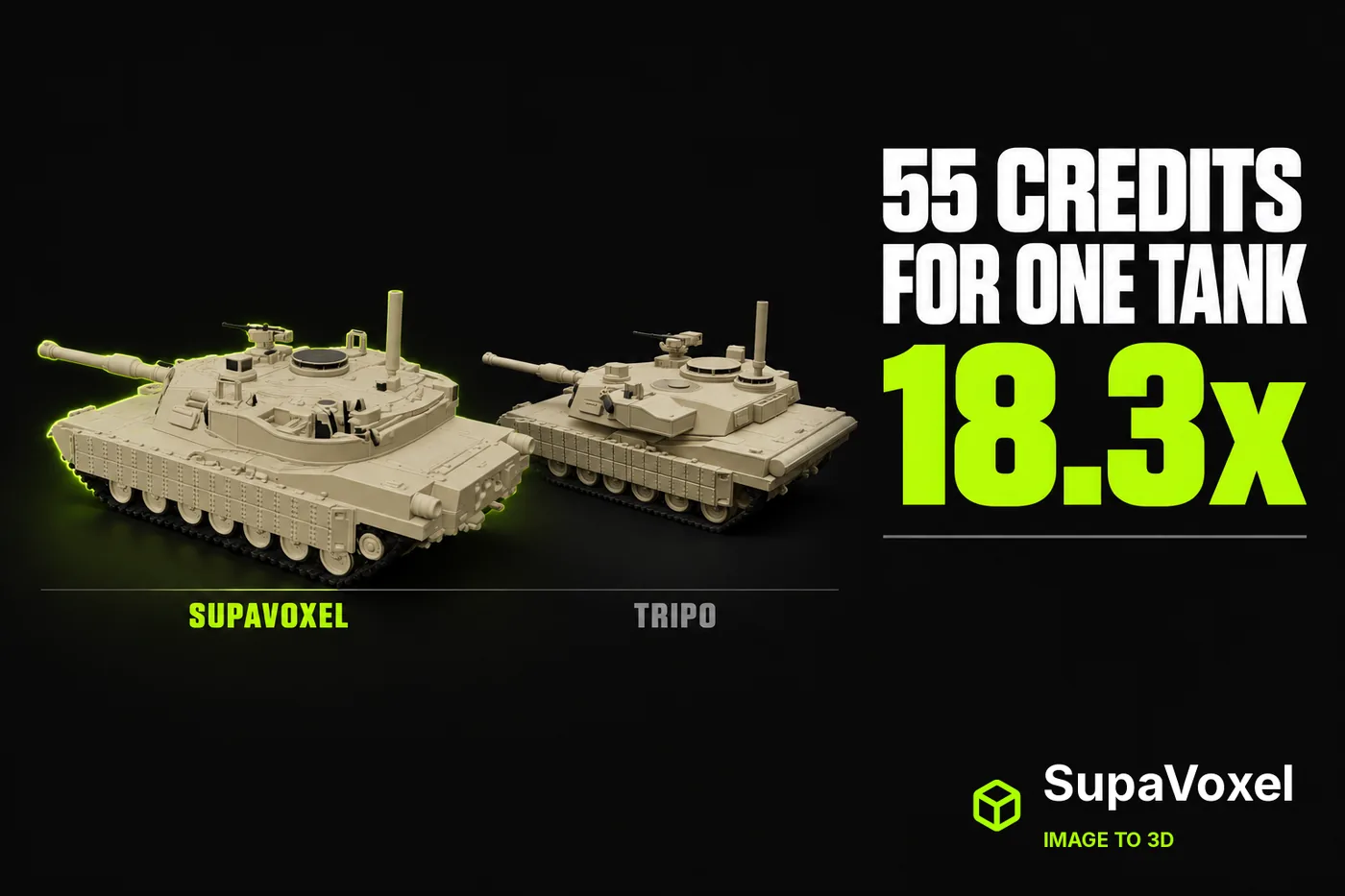 Accurig: Tripo AI Review 2026 vs 3D Model Generator CreditsOct 11, 2026